

Software Prerequisites
Before you can build the firmware or run the monitor application, you need to install several software tools. This page covers everything for both parts of the project. Install them in the order listed.
For the Firmware
Section titled “For the Firmware”PlatformIO
Section titled “PlatformIO”PlatformIO manages compilers, board support packages, and library dependencies for the ESP32 firmware. You can install it in one of two ways:
Option A: VS Code Extension (recommended)
- Install Visual Studio Code.
- Open the Extensions panel (click the square icon in the sidebar or press
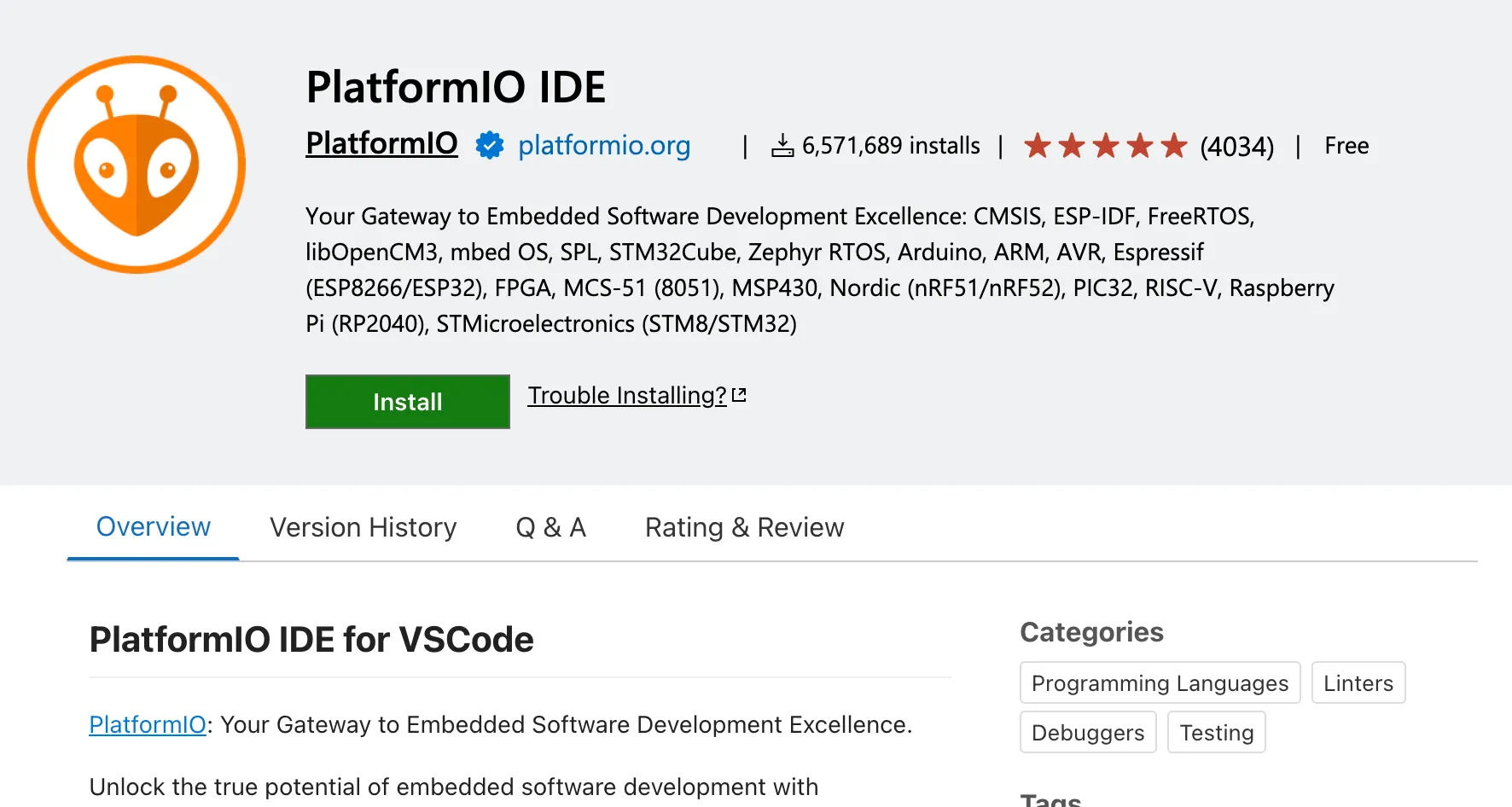
Ctrl+Shift+X/Cmd+Shift+X). - Search for “PlatformIO IDE” and click Install.
- Restart VS Code when prompted.
Option B: Command-line installation
pip install platformioVerify the installation:
pio --versionYou need Git to clone the firmware repository. It is likely already installed on your system. Check with:
git --versionIf not installed:
- macOS:
xcode-select --install - Windows: Download from git-scm.com
- Linux:
sudo apt install git(Debian/Ubuntu) orsudo dnf install git(Fedora)
For the Monitor Application
Section titled “For the Monitor Application”The monitor application has its own set of prerequisites. If you only want to build and run the firmware, you can skip this section and come back later.
Rust is the programming language used for the monitor’s backend. Install it with the official installer:
curl --proto '=https' --tlsv1.2 -sSf https://sh.rustup.rs | shAfter installation, restart your terminal and verify:
rustc --versionOn Windows, download and run the installer from rustup.rs.
Bun is a JavaScript runtime and package manager used for the monitor’s frontend. It is similar to Node.js and npm but faster. Install it with:
curl -fsSL https://bun.sh/install | bashVerify the installation:
bun --versionOn Windows, use:
powershell -c "irm bun.sh/install.ps1|iex"Tauri System Dependencies
Section titled “Tauri System Dependencies”Tauri requires platform-specific system libraries to build native desktop applications.
macOS:
xcode-select --installLinux (Debian/Ubuntu):
sudo apt updatesudo apt install libwebkit2gtk-4.1-dev build-essential curl wget file \ libxdo-dev libssl-dev libayatana-appindicator3-dev librsvg2-devWindows:
Install the Microsoft C++ Build Tools and ensure the “Desktop development with C++” workload is selected.
For detailed platform-specific instructions, refer to the official Tauri prerequisites guide.
Summary
Section titled “Summary”Here is a quick checklist of what you need installed:
| Tool | Needed For | Verify With |
|---|---|---|
VS Code + PlatformIO (or pio CLI) | Firmware | pio --version |
| Git | Both | git --version |
Rust (rustc, cargo) | Monitor app | rustc --version |
| Bun | Monitor app | bun --version |
| Tauri system dependencies | Monitor app | (platform-specific) |
Next Step
Section titled “Next Step”With your tools installed, move on to the Hardware section to learn about the development board and sensors before assembling your nodes.